

Yandex Translate is a powerful machine translation service. If you are using AutoPoly – AI Translation For Polylang you can easily translate entire page using Yandex Translator.
Why Use Yandex Translate?
The Yandex Translate Widget is a quick and free solution to make your website accessible in multiple languages. It lets you translate your site content instantly, without any API key or complex setup. It offers a fast, simple, and cost-effective solution for making your website accessible to a global audience.
Automatically Translate Page Content
Follow the steps below to automatically translate your webpage content using Yandex Translator:
- Navigate to the Pages section. Edit the page you want to translate.
- On the right side of the page editor, there is a Languages settings tab.
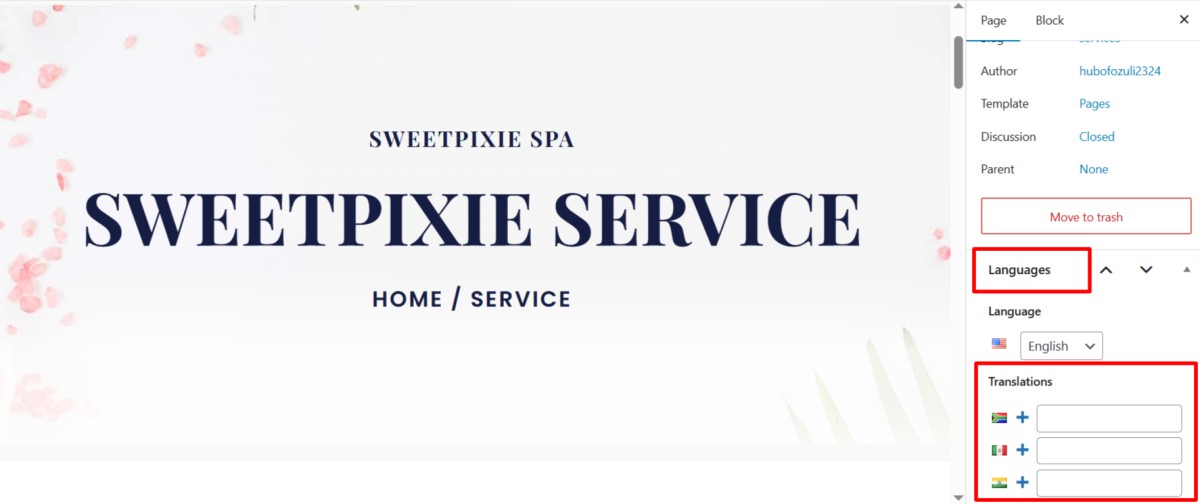
- Under Translations, click the “+” icon.
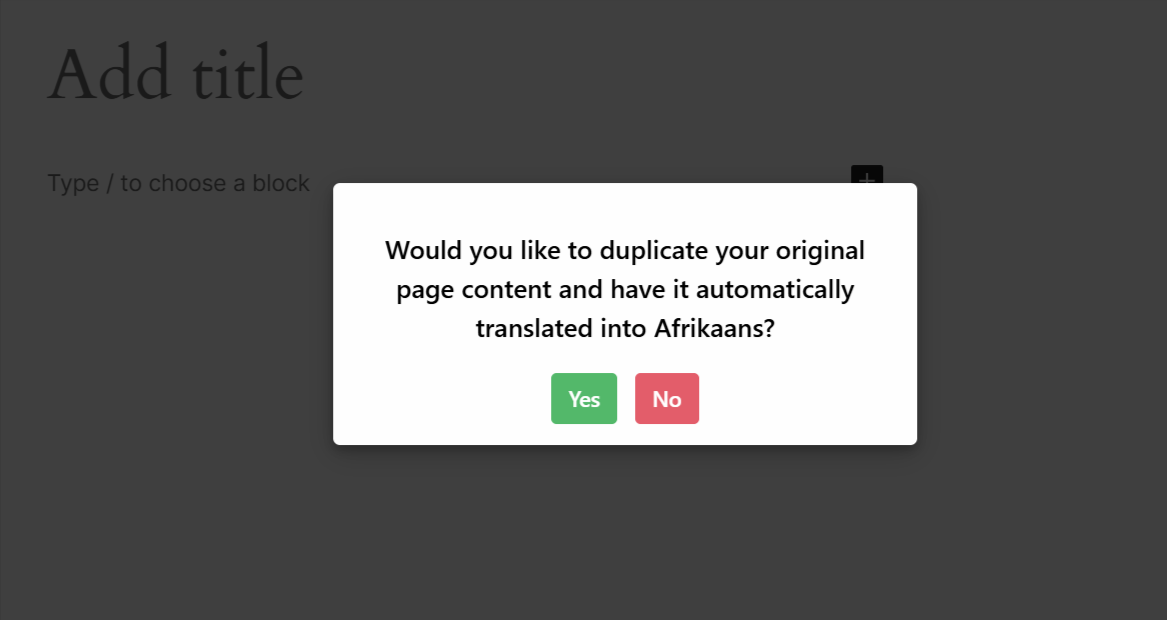
- A prompt will appear asking if you want to duplicate the original page content. Select “Yes”.
- Next, a new box titled Select Translation Provider will appear. Choose Yandex Translation as your translation provider.
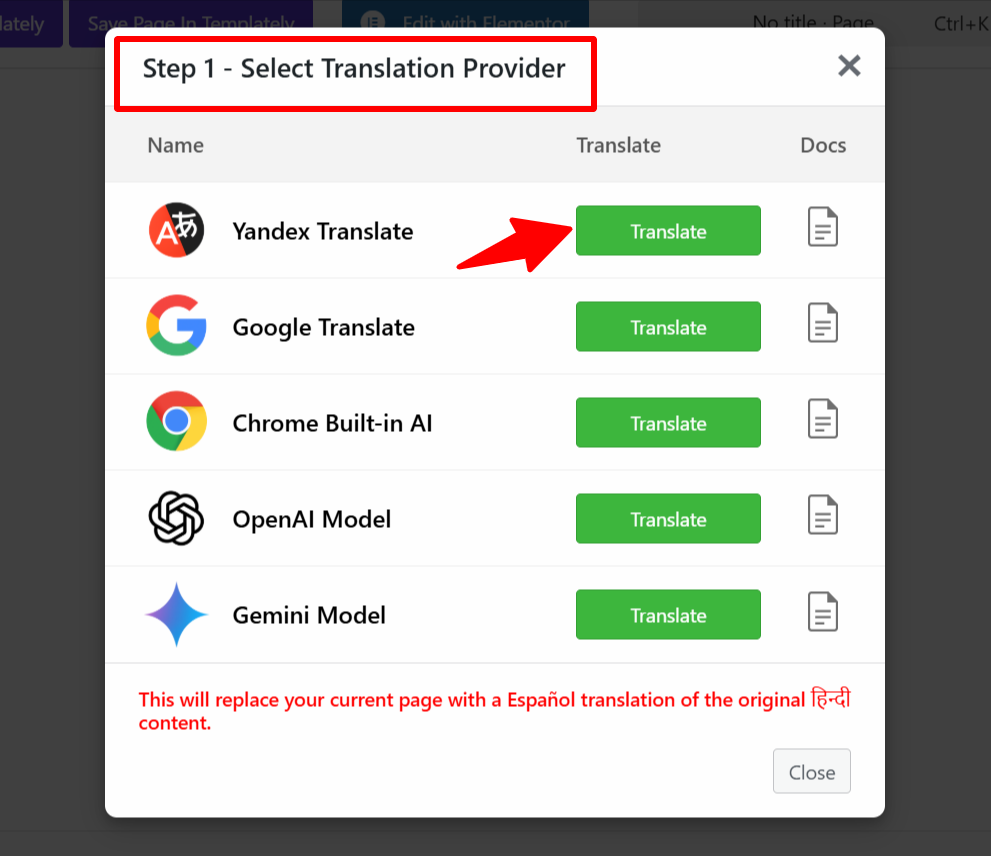
- Alternatively, you can:
- Go to the settings tab and select the Automatic Translation tab.
- Click on Translate Content, and a pop-up box will ask you to select a translation provider. Select Yandex Translation.
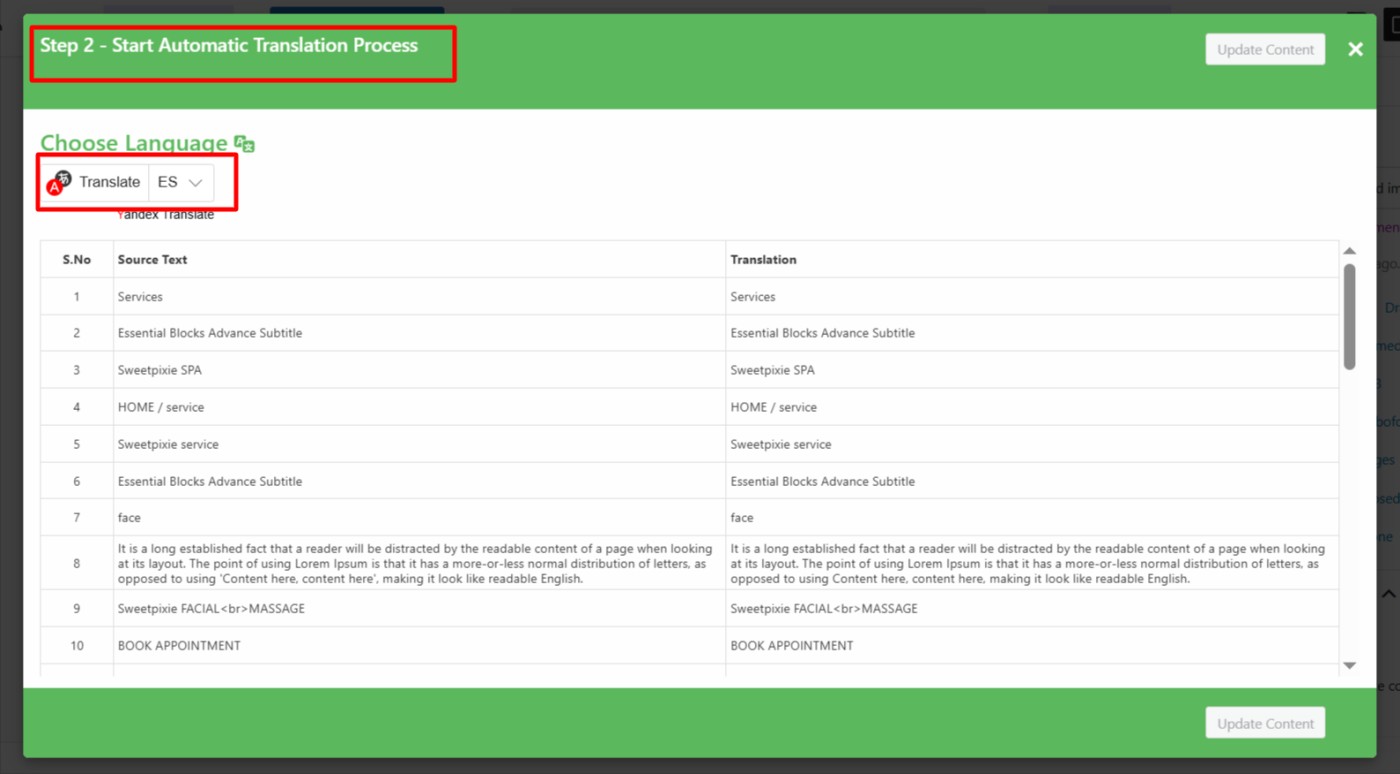
- Once selected, a tab containing both the source text and translation text will appear.
- Click Translate. The translation process will begin, and wait for a few minutes.
- After the translation completes, click Update Content.
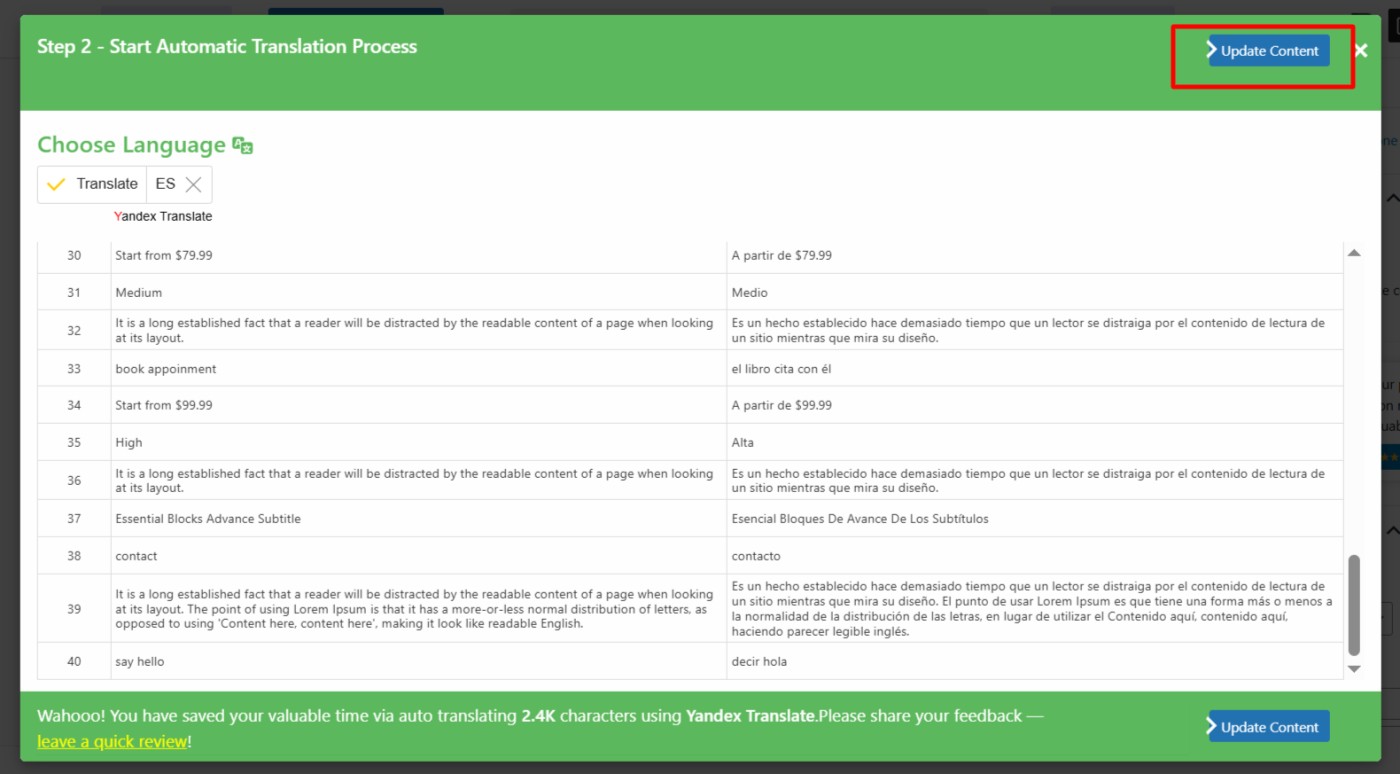
- Todo el contenido del sitio web se traducirá al idioma seleccionado con un solo clic. Ahora, revísalo y haz ediciones manuales para ajustar las traducciones y mejorar la precisión.
¡Eso es todo! Has traducido con éxito tu página web a través del Widget de Traducción de Yandex utilizando AutoPoly – AI Translation For Polylang.